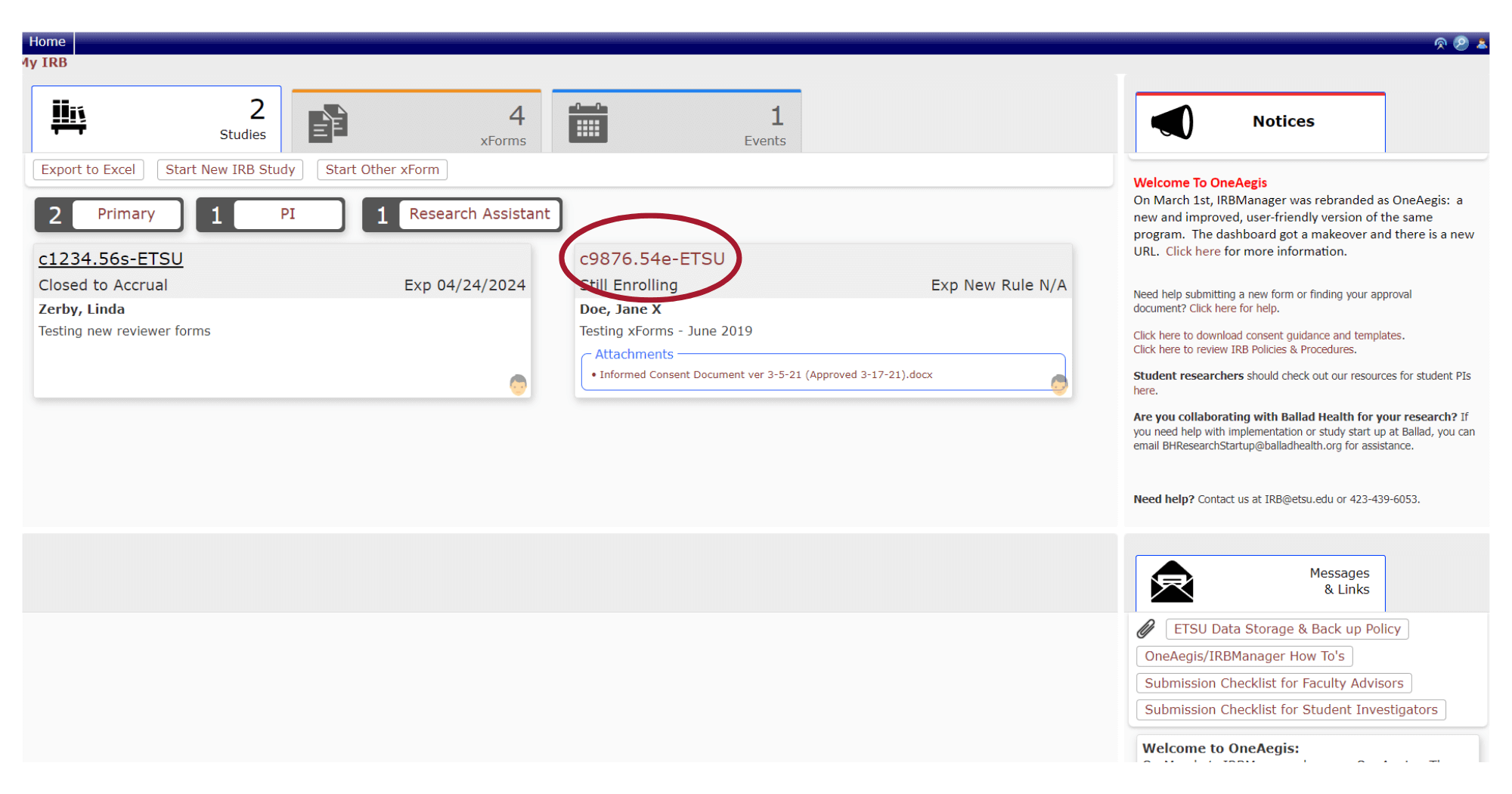
- From the OneAegis (formerly IRBManager) homepage, select the study number from yourStudies Tab.
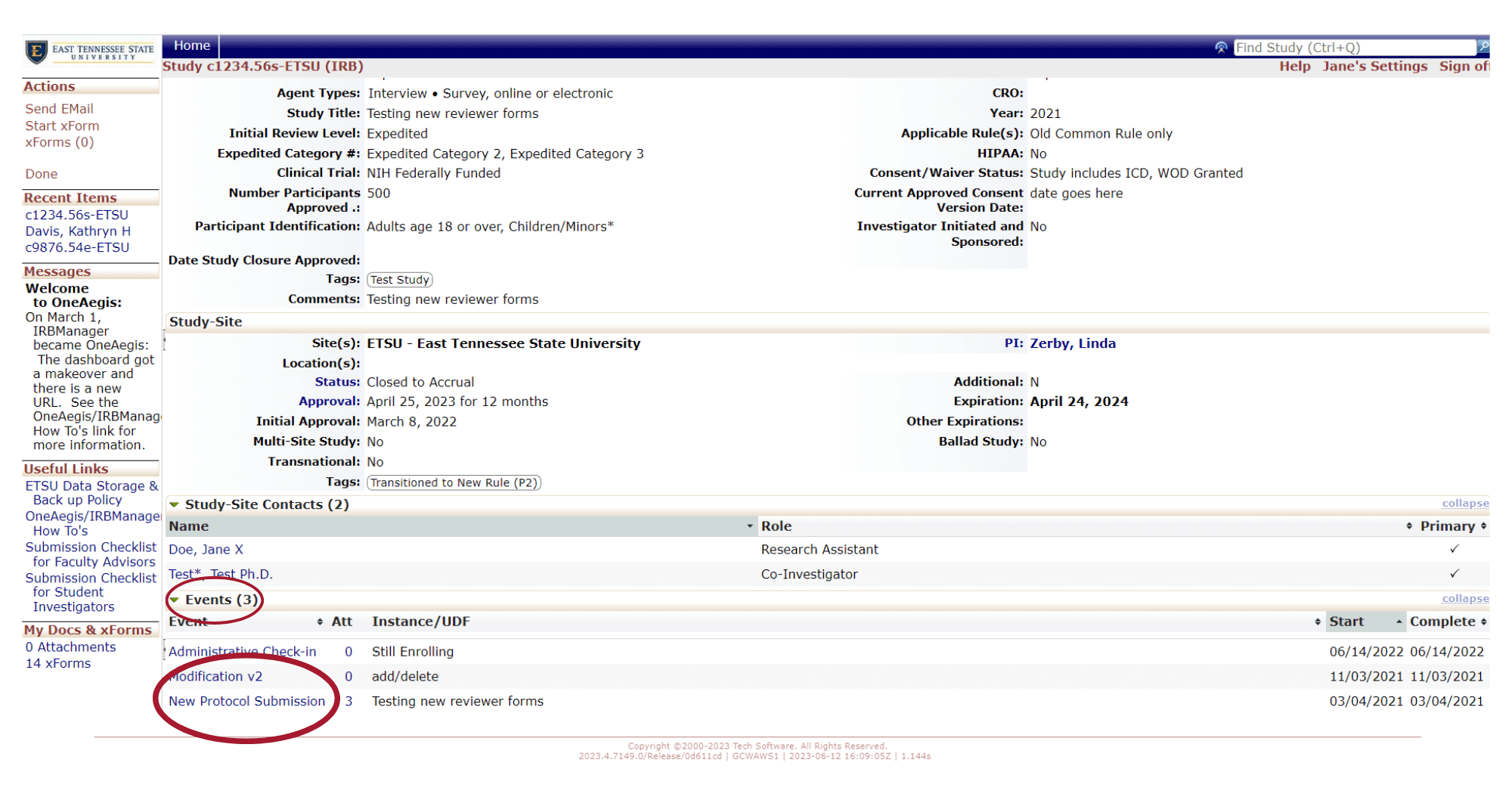
- Scroll down to Events, and select New Protocol Submission.
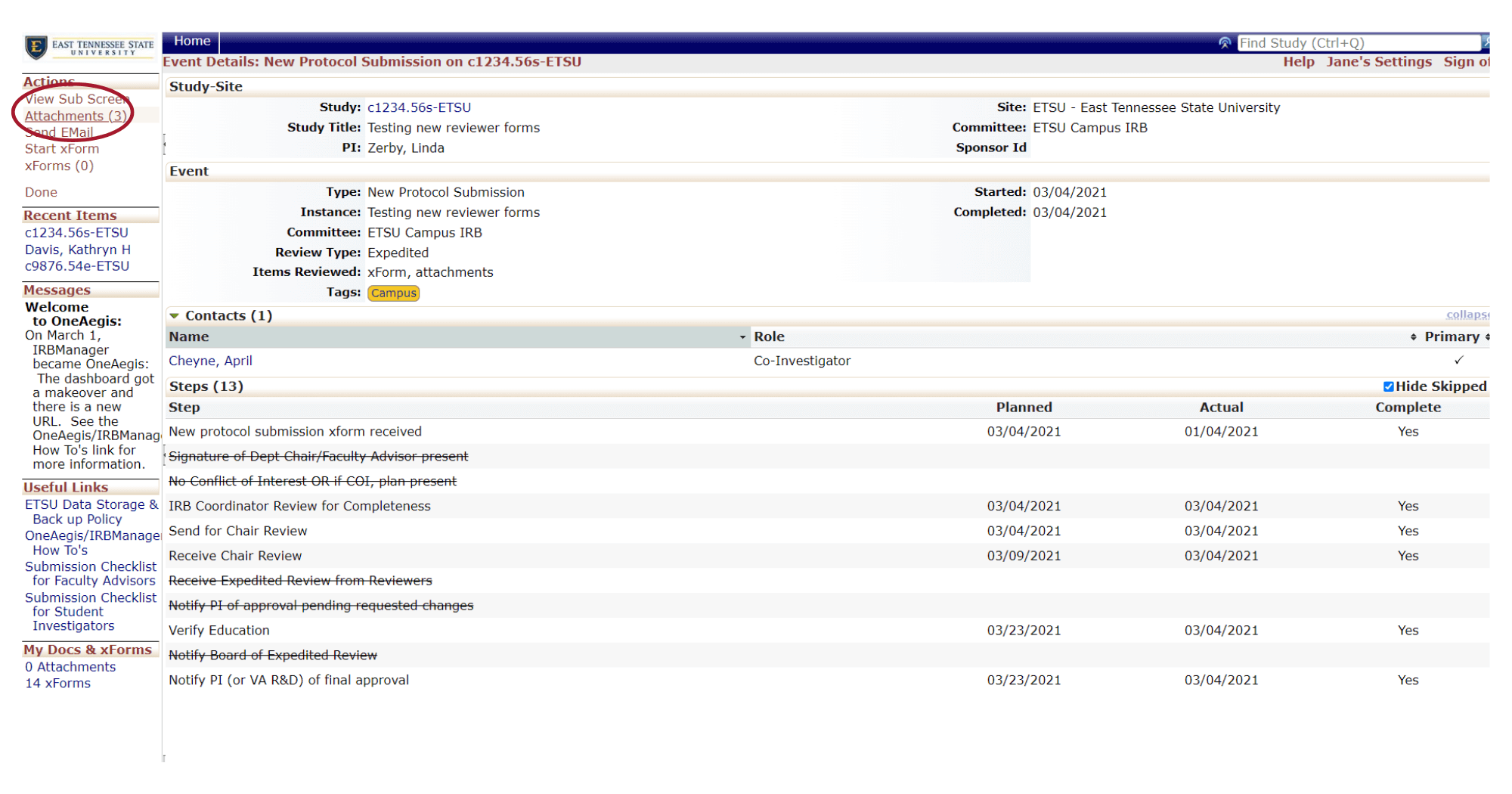
- Under Actions,selectAttachments.
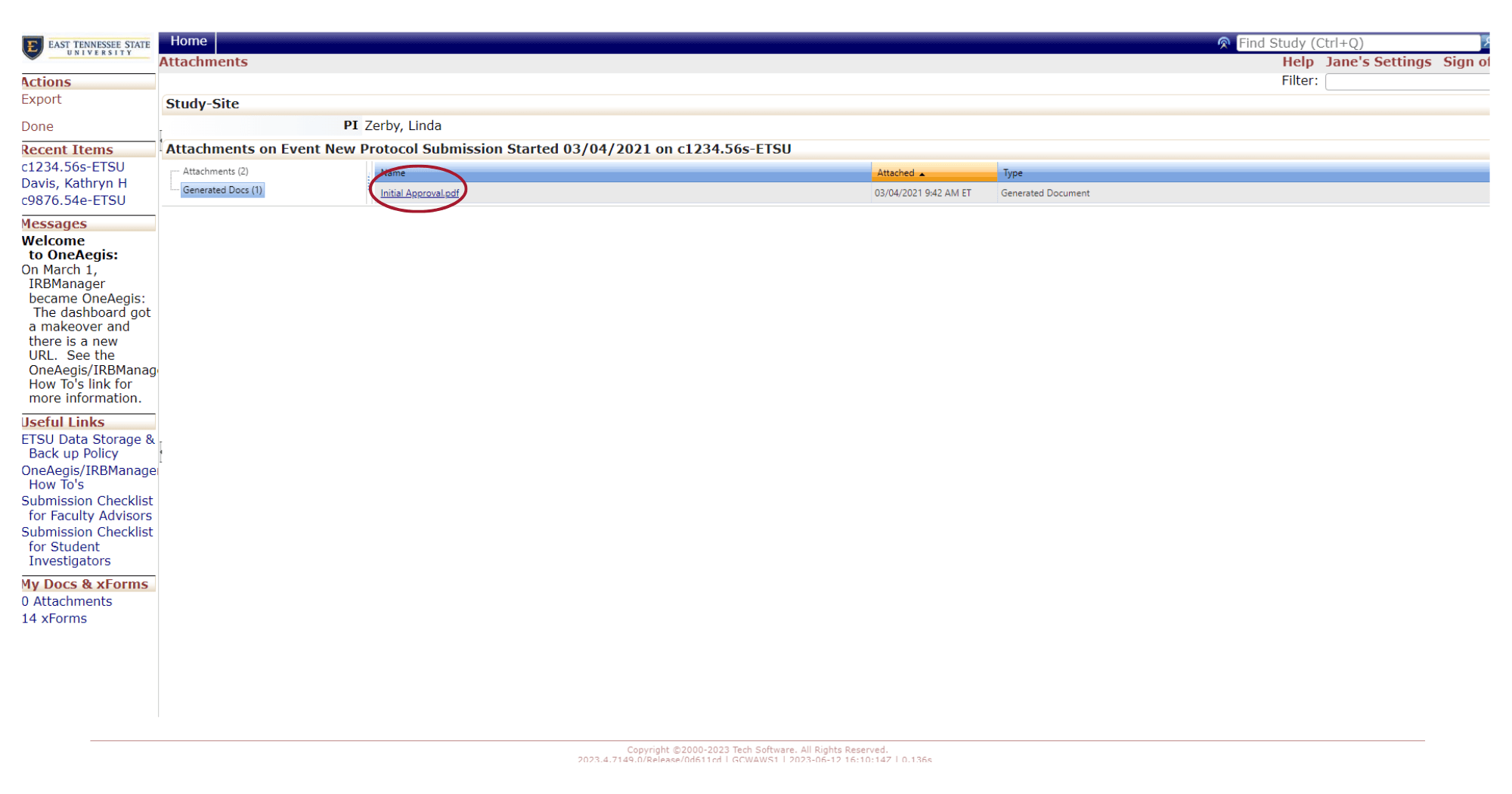
- Your approval letter link could be underAttachments. If you do not see your approval letter under Attachments, click Generated Docs.
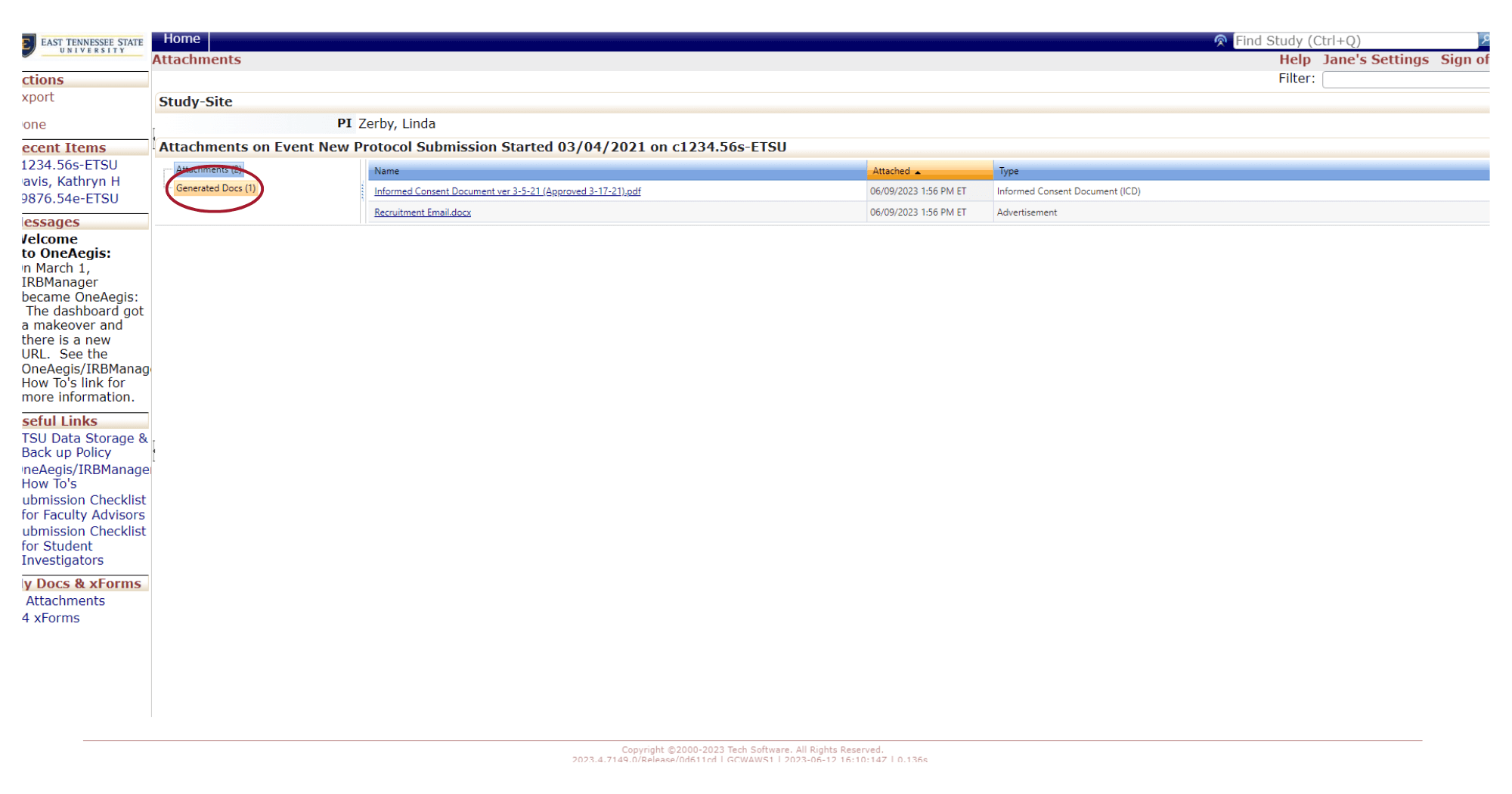
- FromGenerated Docs,you can click on your approval letter.